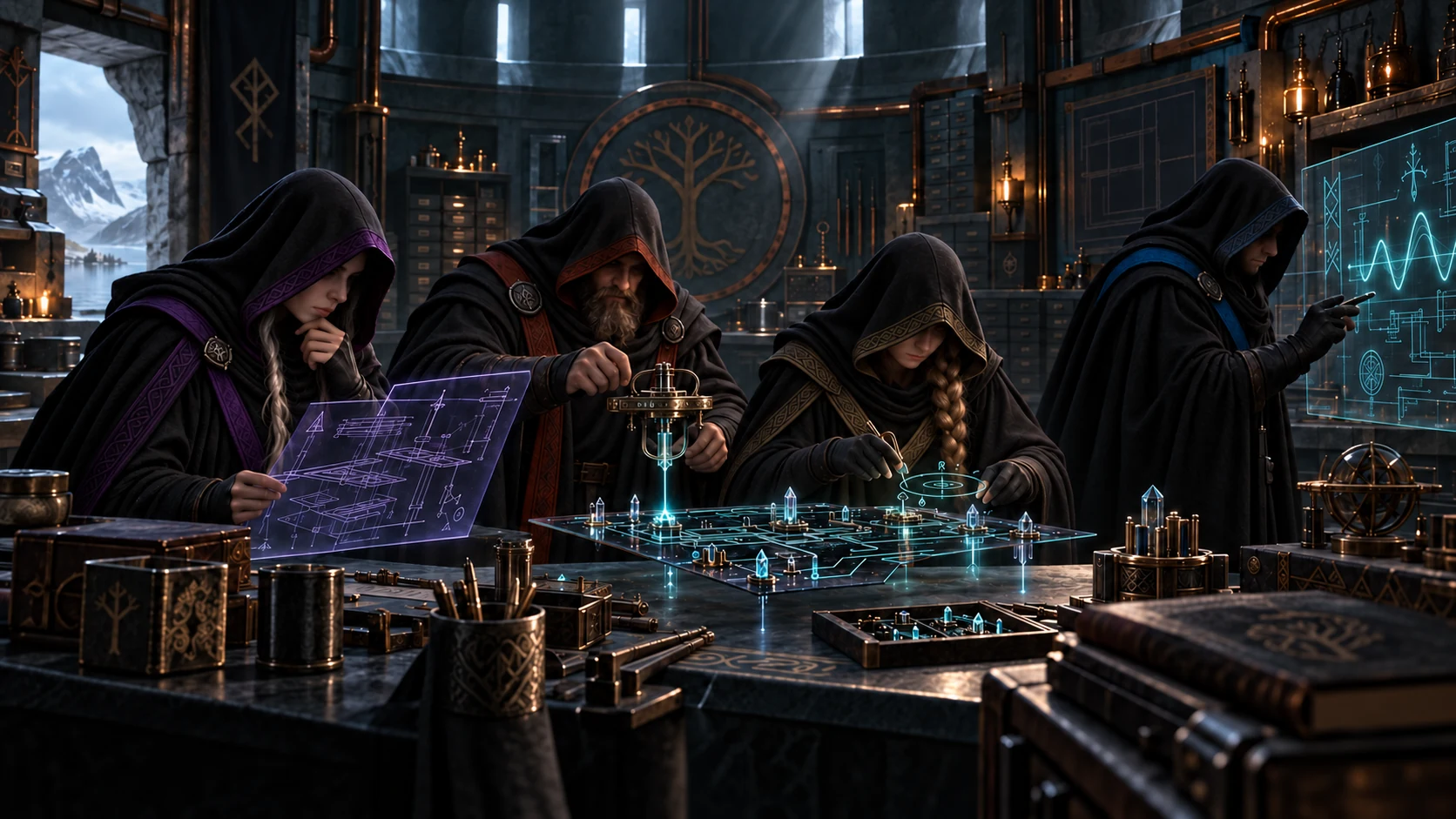
You set the direction. An entire team stands behind you.
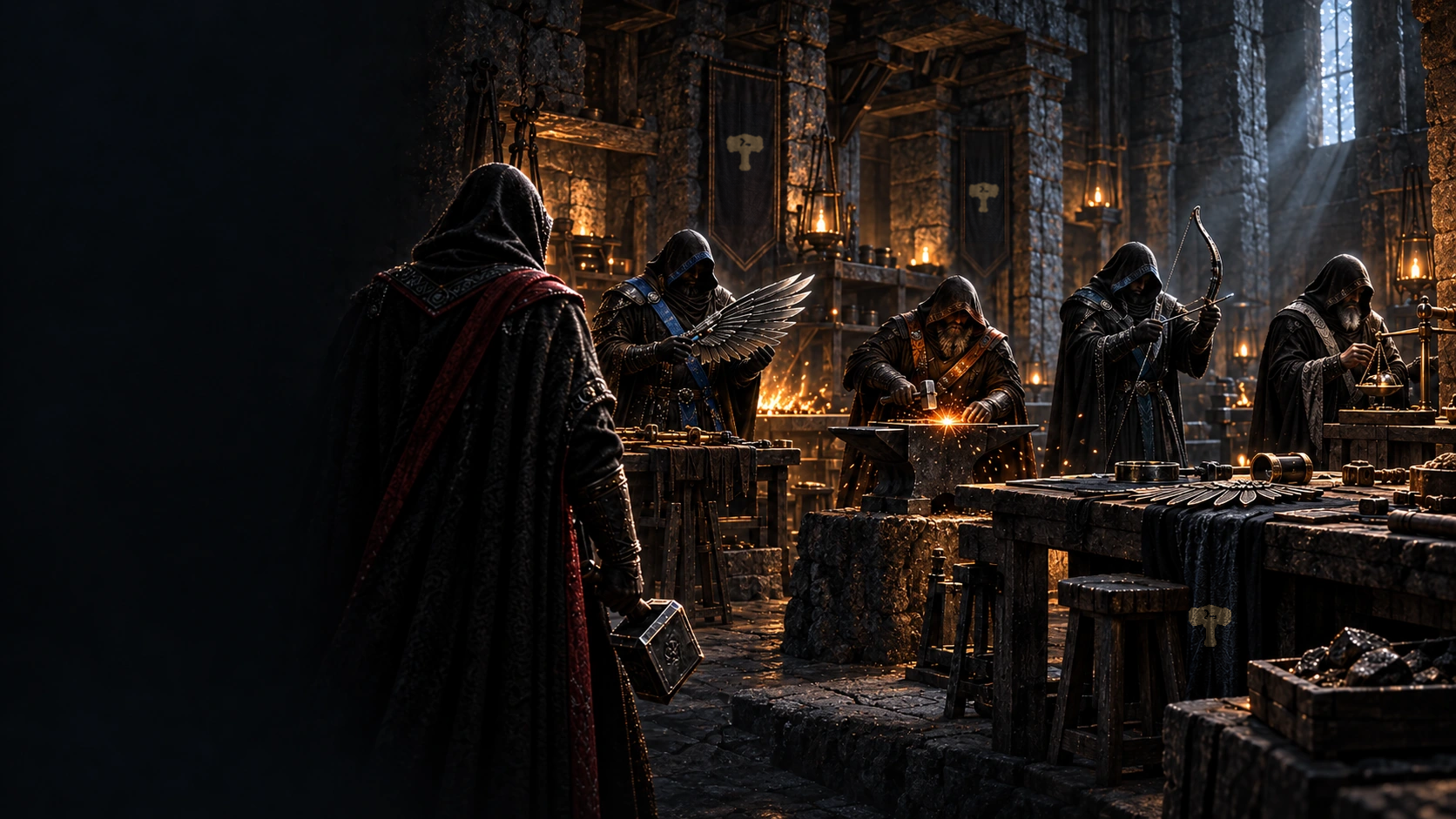
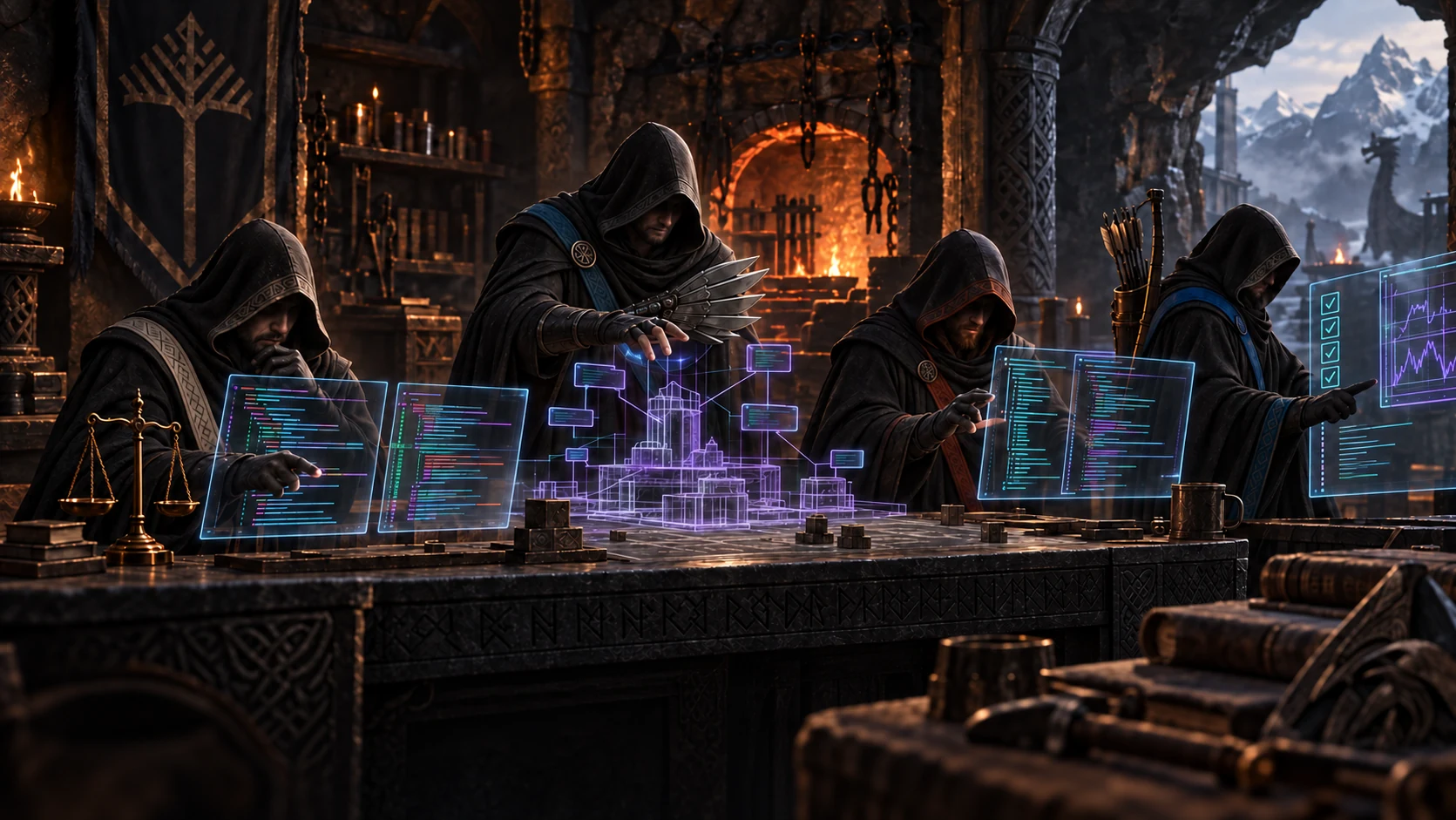
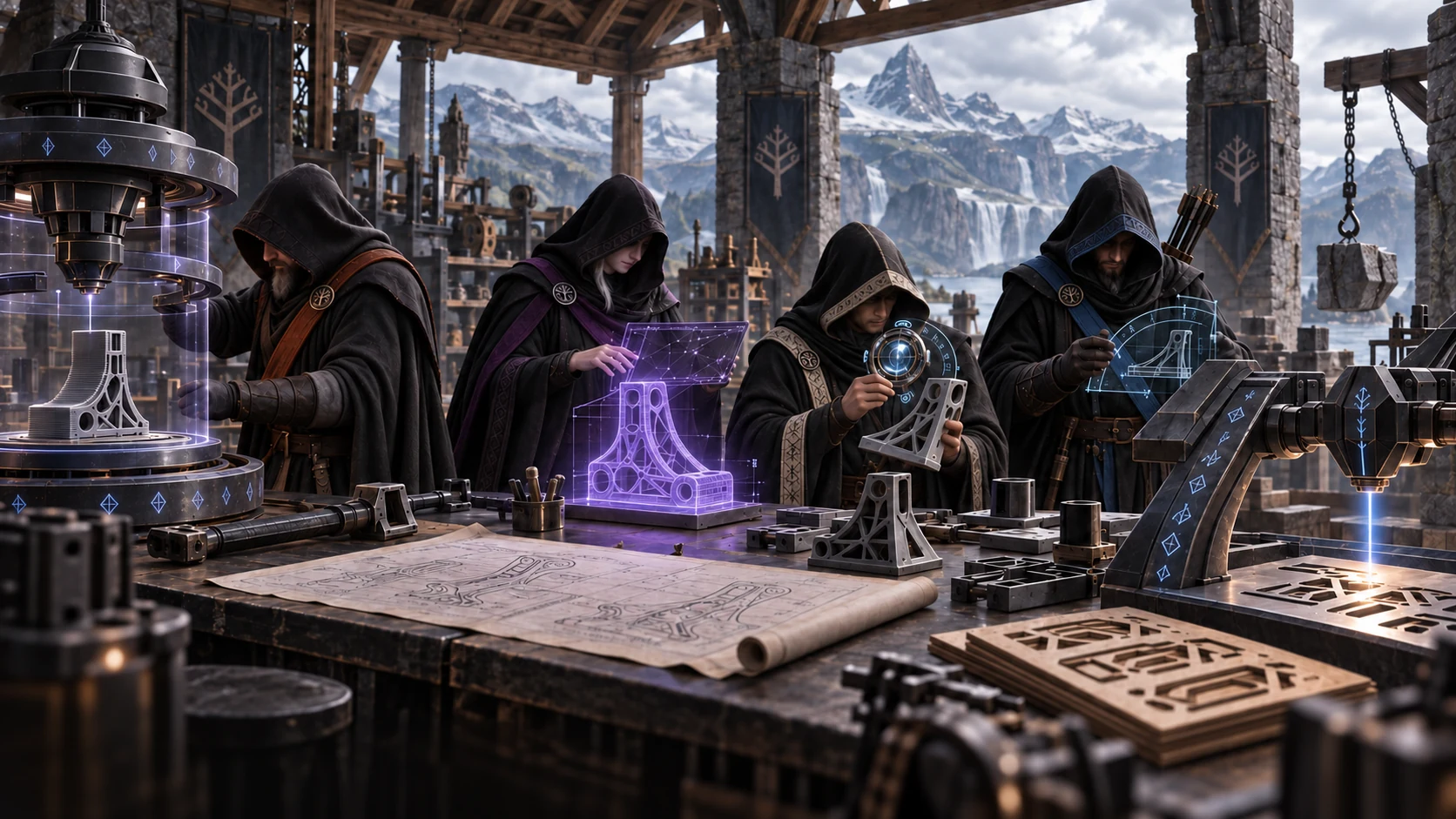
TerminalThor brings your AI team together in a single workspace. Start projects, follow their progress and work with your agents here.
Behind the scenes, Mjølnir enforces the required rules and quality standards with an iron grip, while coordinating tasks and handoffs across your AI team.
01
Rules enforced with an iron grip.
Define who may perform each task, which tools they may use and how they may communicate. Mjølnir enforces permissions, workflow rules and mandatory checks.
02
Long workflows. An autonomous team.
Multiple agents work in parallel, building on each other’s results. Preserved task state and structured handoffs keep work moving across multiple sessions.
03
Multiple AI providers. A shared goal.
Claude, OpenAI models, models from other providers and locally running LLMs can work on the same team. Choose a model for each role and task, with shared coordination.
04
Traceable operations.
See which agent received a task, which tools it used and what it handed over. Logs of actions, checks and approvals support audits and troubleshooting.
05
Results must prove themselves.
Separate agents review the work. Required checks and acceptance criteria determine when a task can be considered complete.
06
On your infrastructure.
Run the system in your own cloud or on a local machine, with local language models when needed. You decide which tasks connect to an external AI provider.
07
With your own tools.
Google Workspace, Microsoft 365 or other systems: connect email, calendars, Drive, OneDrive and SharePoint to your work. Assemble the team’s toolkit through API and MCP connections.
08
Control physical devices.
Bring connected machines, instruments and controllers into the workflow. Define permitted actions, operating conditions and required approvals for each device.
09
Save it. Share it. Use it again.
Combine agents, models, tools and rules in a profile you can preconfigure and save. Colleagues across your company can reuse the setup with their own access rights and permissions.
02 / A PROFILE UP CLOSE
Software development. As a team.
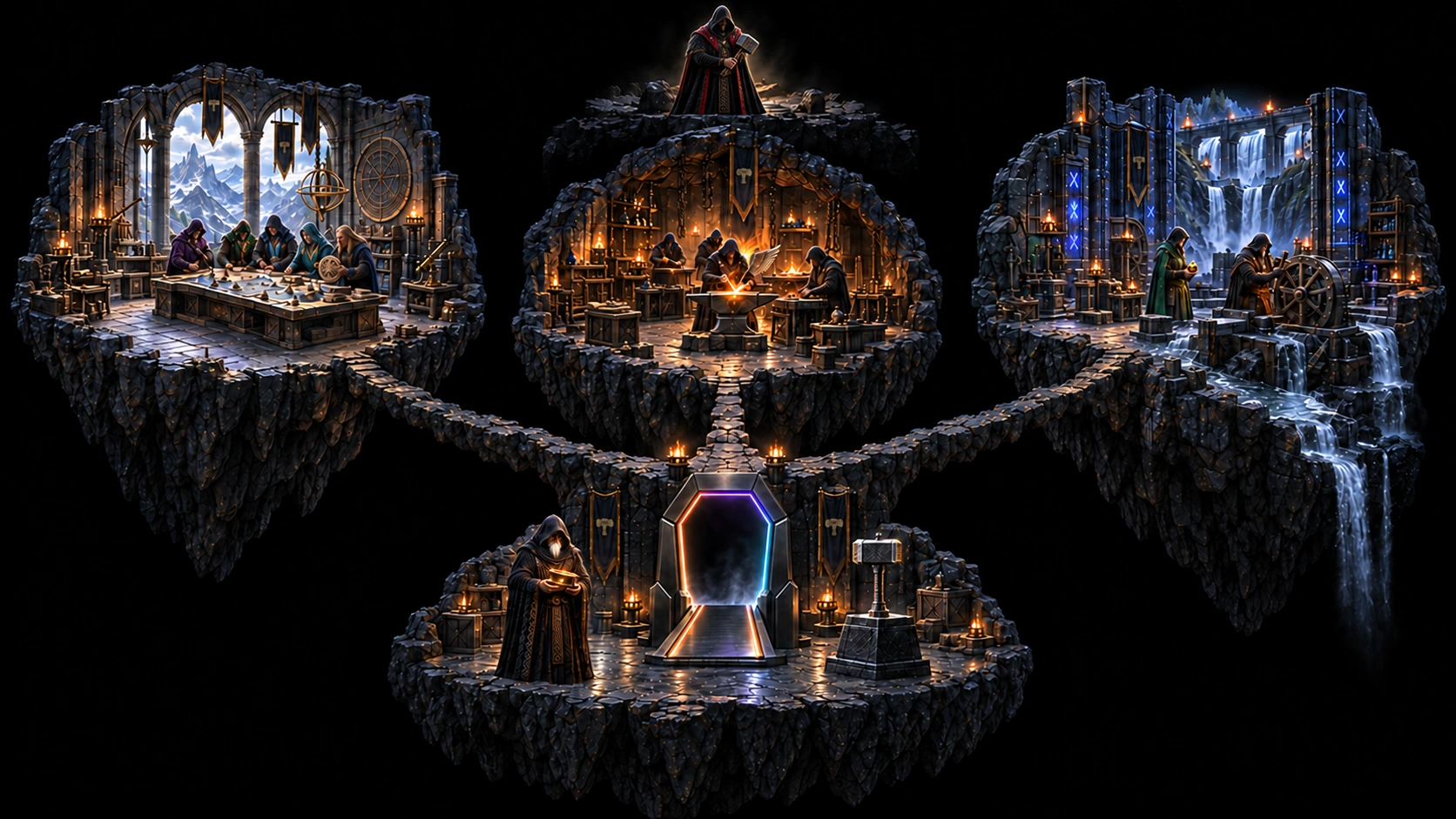
The map and workshops below show the software development setup: planning, implementation and operations, with a shared treasury.
The framework that organizes work and enforces rules.
04 / EXAMPLE USE CASES
Different task. Different team. The same system.
A few examples of what you can do with TerminalThor. Profiles bring together the people, tools and workflows suited to the task: from research and development to physical creation.
Web and digital experience
From the first sketch to a complete web experience.
Activities and team ↗
Pages, interfaces and interactions: design and functionality come together in one shared workflow.
Goals, content and identity
Research audiences, competitors and search intent
Sitemaps, content structure and user journeys
Website copy, product descriptions and multilingual content
Create brand assets, images and illustrations
Keywords, page titles and search result descriptions
Interface and implementation
Wireframes, interface designs and interactive prototypes
Responsive pages, components and animations
Forms, bookings and customer workflows
Connect content management, online stores and payments
Forward customer data and messages to connected systems
Review and refinement
Check browser and mobile usability
Identify and fix accessibility issues
Optimize loading speed and image sizes
Test links, forms and purchase journeys
Measurement plans, analytics and experiment evaluation
Publishing and maintenance
Manage hosting, domains and publishing
Search engine optimization and structured data
Update content, translations and product data
Monitor errors and availability, organize fixes
Versions, backups and handover documentation
The team
BaldrVisual design
SindriImplementation
UllrVerification
The workflow
Goals and content
Interface design
Implementation
Try and test
Software development
Coordinated development with built-in review.
Activities and team ↗
Development tasks, code and feedback all serve the same goal.
Discovery and technical planning
Understand an existing codebase and its dependencies
Requirements, acceptance criteria and task breakdown
Design architecture, data models and APIs
Compare solutions and run technical experiments
Manage schedules, issues and development tasks
Development and integration
Develop frontend, backend and command-line tools
Databases, migrations and data pipelines
Connect APIs, MCP tools and external services
Fix bugs, refactor and update dependencies
Manage branches, commits and pull requests
Quality and verification
Review code and address feedback
Unit, integration and end-to-end tests
Reproduce bugs and detect regressions
Measure performance and resolve bottlenecks
Check vulnerabilities, permissions and secret handling
Release and operations
Automated build, test and release pipelines
Define environments, containers and infrastructure
Manage releases, deployments and rollbacks
Analyze logs, alerts and incidents
API documentation, release notes and developer guides
The team
VölundrDevelopment leadership
SindriDevelopment
ForsetiCode review
UllrTesting
The workflow
Technical plan
Development
Code review
Test and fix
3D design and manufacturing
From an idea to a physical object.
Activities and team ↗
3D modeling, 3D printing and laser cutting: digital designs and physical results in one workflow.
Form and construction
Define dimensions, functions and material requirements
Parametric 3D models and part variants
Design assemblies, fits and tolerances
Technical drawings, exploded views and visualizations
Repair models and export STEP, STL and 3MF files
3D printing
Check printability, wall thickness and overhangs
Orientation, supports, infill and slicing profiles
Estimate G-code, material use and production time
Send jobs and control printing on connected machines
Analyze status, camera feeds and print defects
Laser cutting and engraving
Create vector cutting and engraving patterns
Dimension material thickness, kerf and joints
Arrange parts on sheets and reduce waste
Layers, operation order and machine profile settings
Generate SVG, DXF and machine job files
Production and feedback
Material lists, cost calculations and supplier comparisons
Manage manufacturing quotes and outsourced production orders
Track production queues and order status
Correct dimensions based on measurement results
Assembly instructions, revisions and manufacturing documentation
The team
SkuldPlanning
BaldrForm and appearance
BrokkrMachines and manufacturing
UllrDimensions and quality
The workflow
3D model
Production preparation
Printing and cutting
Verification
Electronics design
From a circuit idea to a working prototype.
Activities and team ↗
From schematics through procurement and PCB manufacturing to firmware: the team connects design, linked tools and the production process.
System and circuit
Requirements, block diagrams and system architecture
Select microcontrollers, sensors and communication solutions
Process datasheets and compare components
Design schematics, power supplies and protection circuits
Circuit simulations and electrical rule checks
BOM and procurement
Create and maintain bills of materials (BOM)
Compare prices, stock, minimum quantities and lead times
Find substitute components and check compatibility
Prepare supplier carts and order components
Track procurement costs, orders and deliveries
PCB design
Create component symbols and footprints
Design component placement, connectors and board outlines
Lay out traces, ground planes and layer stacks
Check design rules, clearances and manufacturability
Check 3D board views, enclosures and mechanical fit
PCB ordering and assembly
Generate Gerber, drill and manufacturing files
Create assembly BOMs, pick-and-place lists and assembly drawings
Compare production parameters, quantities and quotes
Order PCBs and prepare assembled-board production packages
Track manufacturer feedback, substitutions and production
Firmware and connectivity
Develop firmware, device drivers and peripheral control
Implement communication protocols and data processing
Bootloaders, configuration and remote update workflows
Build, test and program using connected development tools
Create device connections, telemetry and control interfaces
Measurement and documentation
Create test plans, measurement procedures and test programs
Collect measurement data and logs from connected devices
Debugging, power consumption and timing analysis
Coordinate revisions across schematics, PCBs and firmware
Manufacturing packages, wiring descriptions and user guides
The team
SkuldSystem design
SindriCircuit implementation
BrokkrTools and assembly
UllrMeasurement and testing
The workflow
System and circuit
BOM and PCB
Procurement and manufacturing
Firmware, measurement and fixes
Research and analysis
Sources become insights. Questions become answers.
Activities and team ↗
The team explores sources, compares claims and organizes the findings into usable knowledge.
Questions and source discovery
Research questions, hypotheses and evaluation criteria
Search strategies and multilingual search terms
Explore literature, databases and primary sources
Collect articles, reports and accessible datasets
Monitor new publications and topic developments
Processing and organization
Process PDFs, spreadsheets and scanned documents
Extract data, claims and references
Remove duplicates and organize bibliographies
Group by topics, methods and results
Build source-linked notes and shared knowledge bases
Analysis and critical review
Clean, transform and join datasets
Statistical analysis and reproducible calculations
Compare claims and identify contradictions
Assess source quality, methodological limits and uncertainty
Alternative explanations and further research directions
Results and knowledge sharing
Referenced summaries and literature reviews
Charts, comparison tables and data visualizations
Research reports, presentations and executive summaries
Document analysis code, methods and data sources
Update research materials and track changes
The team
VörResearch and analysis
LokiCritical review
MímirShared knowledge
The workflow
Research question
Source discovery
Comparison
Conclusions
Legal work and documentation
Organized sources. Traceable documents.
Activities and team ↗
Source research, document preparation and comparison, identifying differences and structured documentation.
Cases and sources
Organize case files, attachments and correspondence
Recognize text and extract data from scanned documents
Search legislation and decisions in connected data sources
Check current legal status, jurisdiction and source references
Build timelines of events, people and evidence
Document preparation
Prepare draft contracts and document templates
Draft clause variants, attachments and declarations
Transfer data between related documents
Draft letters, summaries and submissions
Multilingual versions and consistent terminology
Comparison and review
Compare document versions and mark changes
Identify missing clauses, inconsistent data and contradictions
Extract obligations, amounts and deadlines
Check references, attachments and terminology
Risk points, open questions and checklists
Coordination and documentation
Track comments, negotiation points and amendments
Coordinate tasks, responsibilities and reminders
Organize approval and electronic signature workflows
Compile document packages and versioned archives
Case summaries, decision logs and searchable knowledge bases
The team
VörSource research
LokiIdentify contradictions
ForsetiDocument review
MímirKnowledge and history
The workflow
Organize sources
Prepare documents
Compare and verify
Documentation
05 / THE INNER CIRCLE
The gate opens on February 28, 2027.
TerminalThor is already running, currently in internal use. On February 28, the invitation-only closed beta opens to external teams.
Tell us which workflow you would entrust to your team. We review each application individually and select invitations based on the proposed use cases.
01
Early access
With an invitation, you can try the system on your own tasks during the closed beta.
02
Direct feedback
Your experience can help shape roles, tool connections and collaboration.